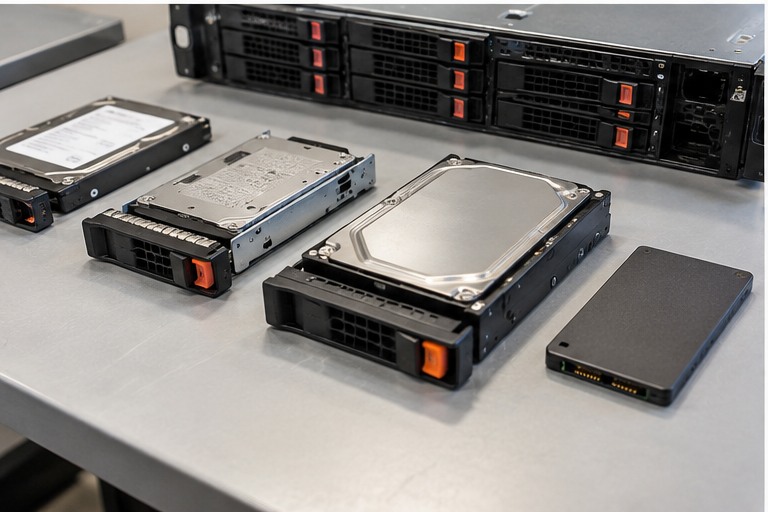
Use the exact server model, generation and manufacturer documentation before ordering or replacing a component. Similar appearance, wattage, connector or form factor does not prove compatibility.
1. Optical drive is not the operating-system boot architecture
A DVD drive can be a convenient removable-media device, but it is not the same thing as the server's normal OS boot storage. Modern servers may boot from local HDD/SSD/NVMe, dedicated M.2/BOSS-style devices, SAN or other supported media.
2. Physical compatibility
Server optical drives can use slim form factors, server-specific carriers, cables and interfaces. Check the exact server option part number rather than assuming a generic desktop optical drive will fit.
3. Remote virtual media
Enterprise management controllers can provide remote-console and virtual-media functions on supported platforms, reducing the need to physically insert installation media at the server.
4. When an optical drive is still useful
Legacy software, offline media, recovery workflows or site procedures can still create a requirement for an optical drive. The correct decision follows the actual operational requirement.
5. Deployment alternatives
- Remote virtual media through the management controller.
- Bootable USB media where supported.
- PXE/network deployment.
- Dedicated internal boot devices.
- Hypervisor or OS deployment automation.
HARDWARE FOR THIS TOPIC